Salesforce & CRM

What is Salesforce Flow? A Beginner's Guide with Examples

2 min readPublished: July 24, 2026
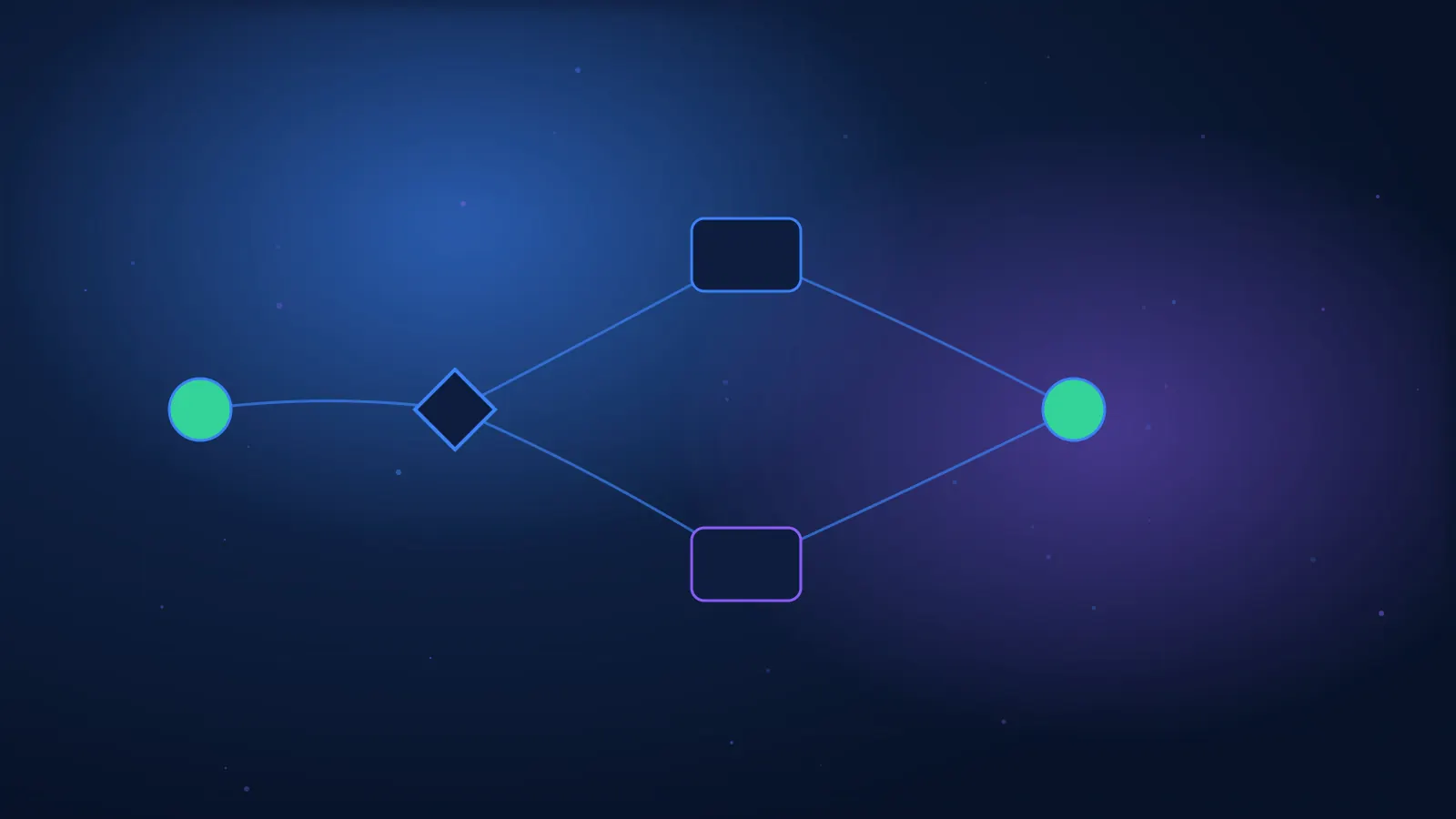
Automated flowchart connecting conditions, actions, and data in a CRM system
Quick answer

Salesforce Flow is a No-Code and Low-Code tool for building automations and processes. It can update records, create tasks, send alerts, display screens, make decisions, and trigger scheduled actions. Flow is a central tool for Admin and Implementer work.

Flow allows you to turn a business process into a series of steps within the system. Instead of an employee performing manual actions, the automation can check conditions, update information, and guide the user. However, a poorly designed Flow can create errors, loops, and performance issues.

Key Flow Types

TypeWhen triggeredExample
Record-TriggeredUpon record creation or changeCreating a task after a new lead
Screen FlowBy a userCustomer intake form
Scheduled-TriggeredAt a defined timeChecking expired contracts
AutolaunchedFrom Flow, Apex, or APIShared process
Platform EventUpon an eventResponding to information from an external system

Basic Components

  • Start and Entry Conditions.
  • Get, Create, Update, and Delete Records.
  • Decision and Assignment.
  • Loop and Collection.
  • Screen and Input Components.
  • Subflow.
  • Fault Paths and Error Handling.

Example: Assigning a Lead

  1. A new lead is created.
  2. Flow checks country and product.
  3. Decision selects the appropriate team.
  4. The record is assigned to a Queue.
  5. A Follow-up task is created.
  6. An alert is sent to the representative.
  7. An error is logged and routed for handling.

How to Plan a Flow?

  • Define the goal and starting conditions.
  • Map the process before opening the Builder.
  • Minimize unnecessary updates.
  • Use clear names and descriptions.
  • Add Fault Paths.
  • Test Bulk and exceptional scenarios.
  • Document Owner and version.

Common Mistakes

  • Flow without precise entry conditions.
  • Updating the same record repeatedly.
  • Duplicate logic across several Flows.
  • No error handling.
  • Changes made directly in Production.
  • Testing only on a single record.

Flow or Code?

Flow is suitable for most standard business automations. Code is suitable when the logic is very complex, special performance is required, or customized integration is needed.

The choice is not ideological. A solution should be chosen that is secure, maintainable, and appropriate for the team that will support it.

How to Learn?

  1. Build a simple Record-Triggered Flow.
  2. Add Decision and Update.
  3. Build a Screen Flow.
  4. Use Debug.
  5. Create a Fault Path.
  6. Test with different users and permissions.

Summary

Flow is one of the most important tools in Salesforce. Mastering it requires not only knowing the components, but also planning, testing, and error handling.

FAQ

Does Flow require programming?

Not in most cases, but logical thinking is very important.

What is the difference between Screen Flow and Record-Triggered?

Screen Flow interacts with a user; Record-Triggered operates in response to a record change.

Does Flow replace Workflow Rules?

Salesforce is centralizing automation in Flow, and current migration guidelines should be checked.

How to test Flow?

Using Debug, test scenarios, different users, and a Sandbox.

When is a developer needed?

When code, complex integration, or special performance is required.

Want to check if this track is right for you?

Leave your details and an HPI advisor will get back to you for a short, no-obligation fit call.

Your details are stored securely.

For details on the Salesforce Implementer course

Want to hear the details? Leave your info and we'll get back to you.

Related articles