Salesforce & CRM

Sales Cloud vs. Service Cloud: What's the Difference and When to Use Each System?

2 min readPublished: July 24, 2026
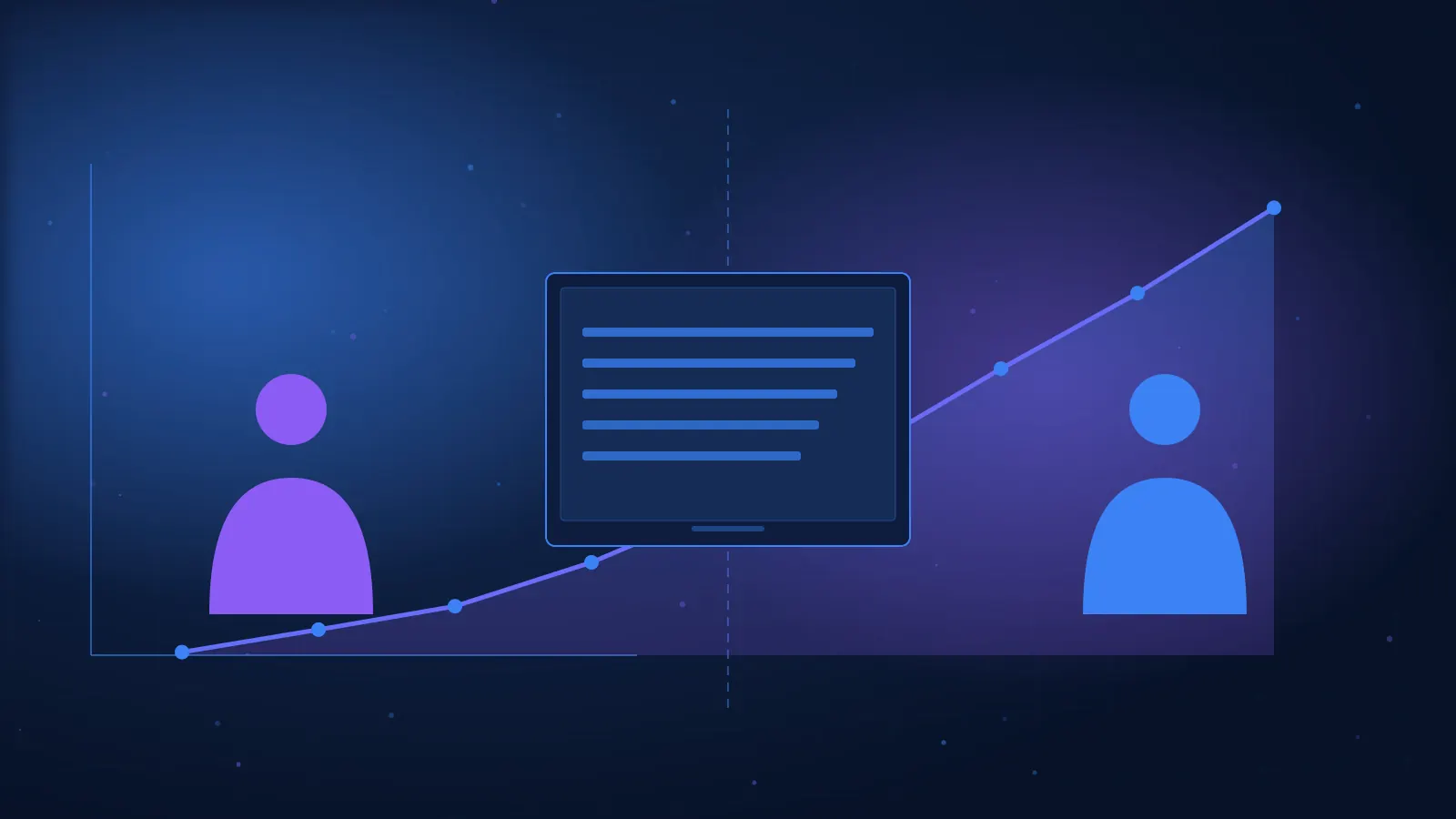
Comparison between the sales process and customer service management in the cloud
Quick answer

Sales Cloud is designed for managing the sales process: Leads, Accounts, Contacts, Opportunities, and forecasts. Service Cloud is designed for service management: Cases, Queues, Routing, Knowledge, and SLA. Many organizations use both to manage the customer before and after the sale.

The two products operate on the same platform and share data, but they serve different departments and processes. Understanding the difference is crucial for the implementer, as the solution must fit the users' work and their metrics.

Quick Comparison

TopicSales CloudService Cloud
AudienceSales and Business DevelopmentService and Support
Central RecordOpportunityCase
Entry PointLeadService Channel Inquiry
MetricsConversion and ForecastResponse and Resolution Time
ToolsForecasts, PipelineQueues, Routing, Knowledge

What Do You Do in Sales Cloud?

  • Managing Leads and sources.
  • Conversion to Account and Contact.
  • Managing Opportunities and stages.
  • Products, quotes, and forecasts.
  • Tasks, meetings, and activity.
  • Pipeline and conversion reports.

What Do You Do in Service Cloud?

  • Opening Cases from various channels.
  • Assigning to Queues and agents.
  • Omni-Channel and Routing.
  • Knowledge and standardized answers.
  • Escalation and SLA.
  • Workload, response, and resolution reports.

Example of a Customer Journey

  1. A Lead enters Sales Cloud.
  2. An agent handles it and converts it into an Opportunity.
  3. The deal closes and a customer is created.
  4. The customer contacts service.
  5. A Case is opened in Service Cloud.
  6. The agent sees the sales history.
  7. Management measures revenue and satisfaction.

Are Both Necessary?

No. An organization that only manages sales can start with Sales Cloud; a support center can focus on Service Cloud. However, integration creates a broader customer view.

The choice depends on the process, users, licensing, and goals. Do not add a product just because it exists.

Implementation Considerations

  • Shared data model.
  • Ownership and transfer of responsibility.
  • Permissions between departments.
  • Automations and notifications.
  • Integration with telephony and email.
  • Metrics and SLA definitions.
  • User adoption and training.

Summary

Sales Cloud manages growth and sales; Service Cloud manages service and retention. The combination of the two allows the organization to manage the customer journey on the same platform.

FAQ

Does Service Cloud include Accounts and Contacts?

Yes, the products operate on the same platform and share core Objects.

What is the difference between Opportunity and Case?

An Opportunity represents a deal; a Case represents an inquiry or service issue.

Can I start with one product?

Yes, and add another product later as needed.

Which product is important for a beginner implementer?

It's advisable to understand both, even if starting with one.

Is the price the same?

The price depends on the edition, licensing, and add-ons, and should be checked on the official website.

Want to check if this track is right for you?

Leave your details and an HPI advisor will get back to you for a short, no-obligation fit call.

Your details are stored securely.

For details on the Salesforce Implementer Course

Want to hear the details? Leave your info and we'll get back to you.

Related articles